Lab 9: Packet Sniffing

Learning Objectives: To Determine what is going on in my local network using a software called Wireshark.

Equipment List: Computer and internet including; canvas, wordpress, Wireshark.

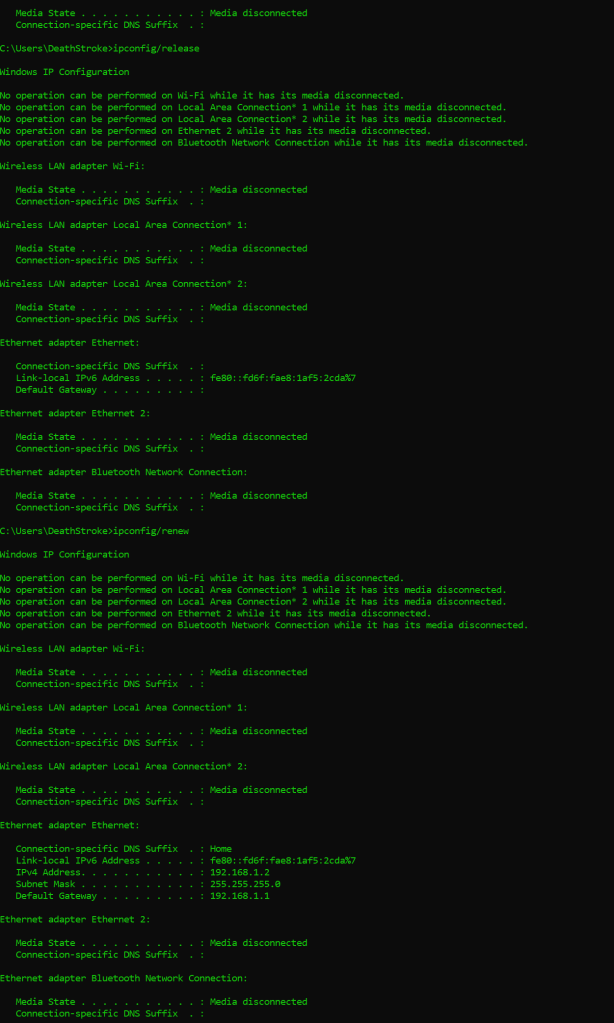
Notes, Observations, and Questions: Retransmission via ipconfig/(release\renew)

  • Type of protocol: TCP
  • Total length of the ip.len: 2 Bytes
  • Source: 35.173.160.224
  • Destination: 192.168.*.2 (my computer, * is for security)
  • Header: 0x6cdc (this refers to the corruption checkers within the router. The leading zero tells us there has been no corruption)

An SSDP prtocal listing

  • Type of protocol: UDP
  • Total length of the ip.len: 2bytes @291
  • Source: 192.168.1.1
  • Destination: 192.168.*.2 (my computer, * is for security)
  • Header: 0xb676

Dns protocol: UDP (17) this is like a directory for domains

ICMP protocol: This is a multicast listener report message. The routers messages to report errors or other information. It stands for Internet Control Message Protocol.

HTTP:

  • Number of frames: 145
  • Protocol: TCP
  • Definition: Hypertext Transfer Protocol

1. What is the purpose of TCP sequence numbers? To determine how much data has been transmitted and received.

2. What is the purpose of IP source & destination addresses? So the router knows where the packets must go and who sent them.

3. What is the purpose of DNS? To serve as a directory for domains.

4. What is DHCP? The Dynamic Host Configuration Protocol is what assigns components on a network an IP address for functionality.

5. What the relationship between the OSI model of networking and the real-world TCP/IP model we saw in this lab activity? Shows just how much information goes through the network layer and how much software is used after the hardware.

6. What evidence of layered network design did you discover when examining the captured data? How does the Wireshark data demonstrate encapsulation? The router goes through a whole list of pings to determine an IP address before it even begins working with data packets. Wireshark shows encapsulation by firstly breaking down the line item into parts and then breaking those parts into hexadecimal information.

7. What are the implications of having a tool like Wireshark freely available? For network administration? For security? You can see traffic within your network so if something is communicating with an IP it shouldn’t be the IP would be displayed on who sent the info and who it was sent to, even what was sent.

Diagrams, Flowcharts, and Figures:
Lab 8: Subnetting

Learning Objectives: To Design a network and the subnetwork

Equipment List: Computer and internet including; canvas, wordpress.

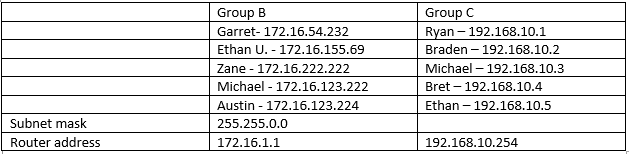
Notes, Observations, and Questions: To the best of my knowledge I believe that subnetting, once the IP is determined as well as the class and number of networks, is very simple.

Diagrams, Flowcharts, and Figures:

Image showing by design on paper

Lab 7: Apache Webserver

Learning Objectives: To create a website over an Apache web server.

Equipment List: Computer and internet including; canvas, wordpress.

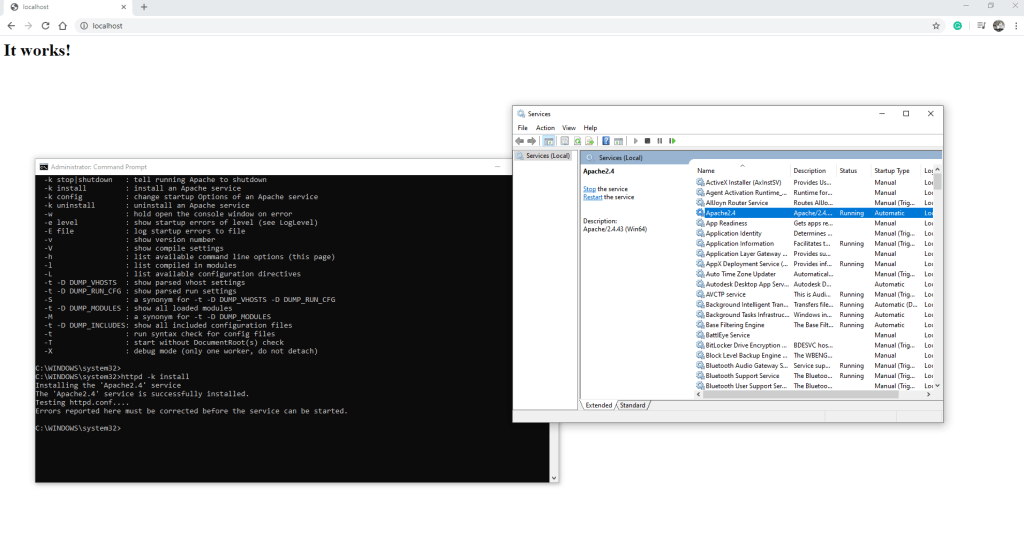
Notes, Observations, and Questions: I found this lab difficult due to lack of knowledge underlying Apache. I followed several instructionals and ended up in multiple dead ends before simplifying things. The final product is what I believe was wanted for the assignment.

Diagrams, Flowcharts, and Figures:

in the process
my little how to video

Lab 6: Editing a Video

Learning Objectives: To edit a video.

Equipment List: Computer and internet including; canvas, wordpress.

Notes, Observations, and Questions: I have done editing in the past. My choice of software was always movie maker in windows; however I haven’t found anything as good that is still free.

I chose not to include music in my file for two reasons: I could not figure out how to trim the mp3 through video maker and nothing I found seemed fitting for the video.

As for copyright licenses we can use all but CC BY-NC-SA, CC BY-ND as these require licensing or the original file to be shared rather than the altered one.

Diagrams, Flowcharts, and Figures:
here is the video link https://youtu.be/x1oGq5UJr4g

References: CMST 250, Hardware & Networking lab 6 paper provided by William Genereux.

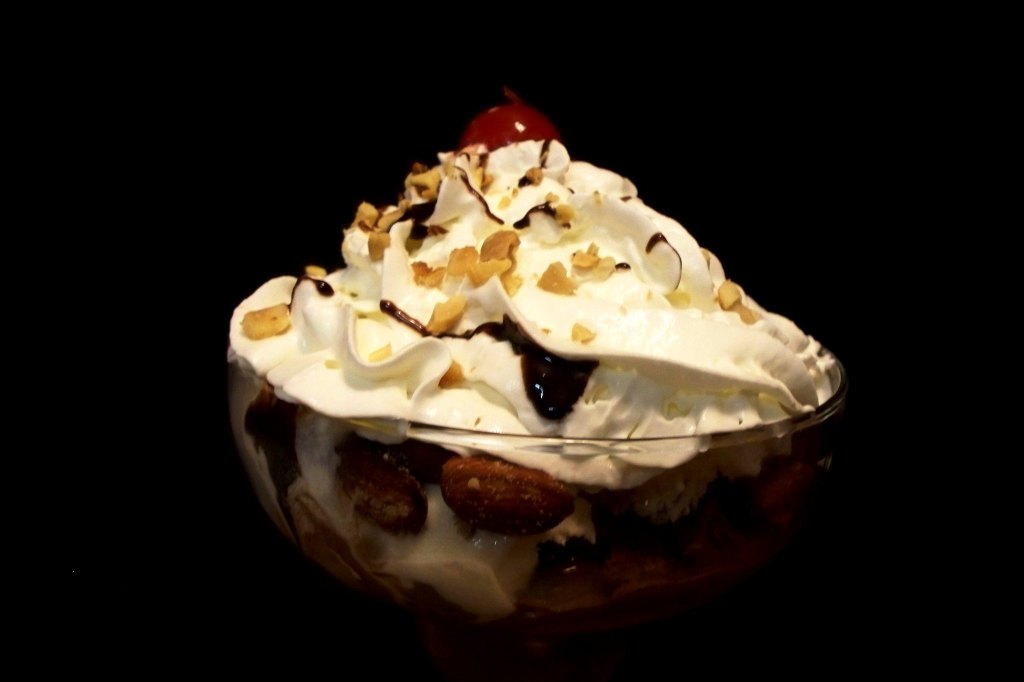
Zechariah Judy picture Ice cream sundae.

Alfred Hitchcock’s video provided in lab.

Conclusion: I find the video maker software almost useless I would like to find a software worth anything before editing my project. I have not had a chance to try any others as I am pressed for time lately.

Lab 5 – Exploring TCP/IP Networks

Learning Objectives: To build a working TCP/IP network for each terminal.

Equipment List: switchboard, router, terminals.

Notes, Observations, and Questions: Simply followed the provided steps for creating a network within the classroom. We captured the hyper terminal, first; then created individual switch board networks before connecting the two networks with a router.

Diagrams, Flowcharts, and Figures:
References: CMST 250, Hardware & Networking lab 5 paper provided by William Genereux.

Conclusion: We ensured communications by pinging terminals on the network. Altogether the lab was a success after a couple hiccups regarding proper I.P addressing and router functionality.

Lab 4-Network & OSI Model

Learning Objectives: learn about OSI model as a method of understanding modern computers.

Equipment List: an array of devices as well as this usable terminal

Notes, Observations, and Questions: The CMD is already mostly familiar to me, however the devices some of them were a little foreign.

Diagrams, Flowcharts, and Figures:
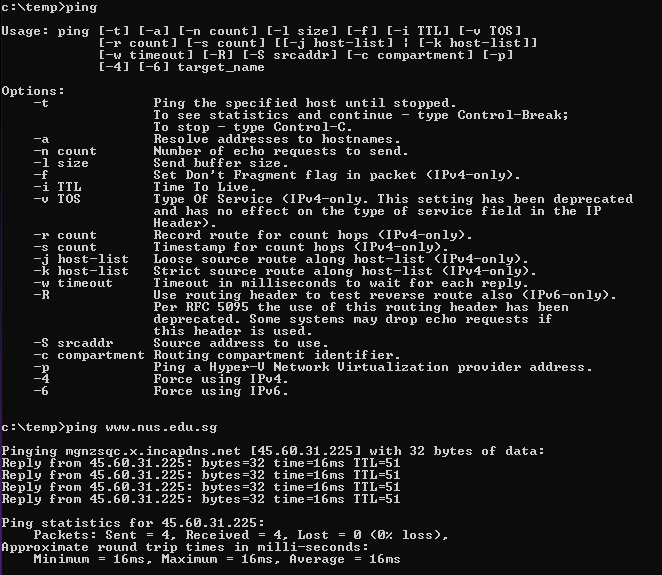
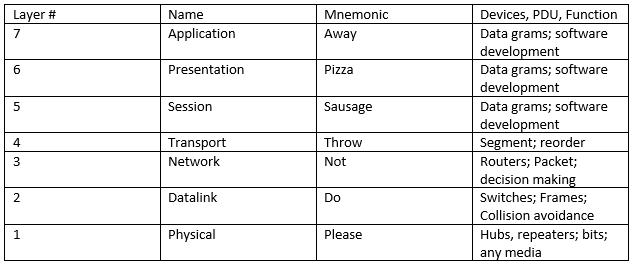
  1. TCP/IP; TCP is the software side of layer 4(transmission protocols), while the IP is the hardware side of layer 3(internet protocol).
  2. OSI means Open System Interconnection and was created by Hubert Zimmerman(1978) and published in 1983 by the ISO.

Data link Layer-IP address, 16bits, Collision, Frames.

My phone is made by Samsung, networked by Verizon not going to post my mac/ip.

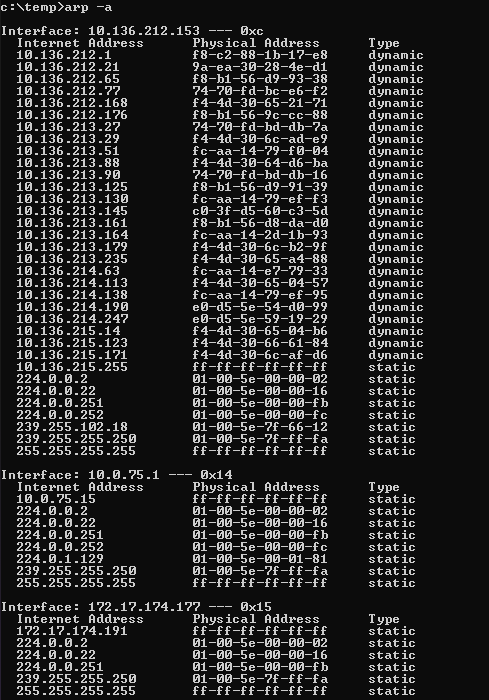
address resolution protocol

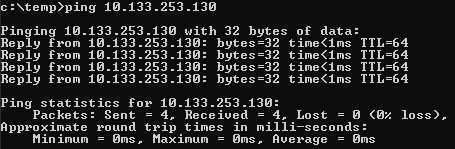
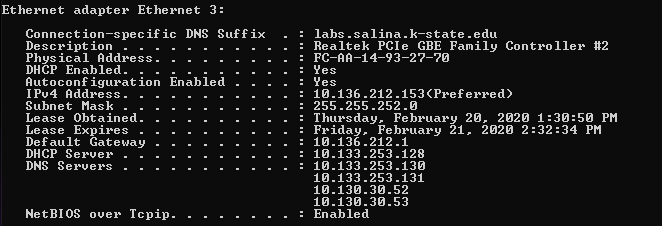
Partners; 10.133.253.130

This added- 10.136.213.57

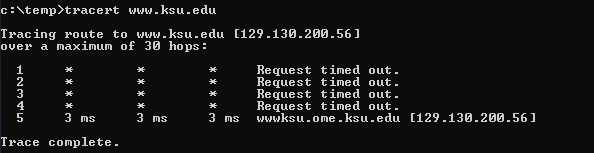
the school failed

9. The ARP is used to define layer necessities.

10. Routers, Border Gateway Protocol uses a total of 32 bits.

References: CMST 250, Hardware & Networking lab 4 paper provided by William Genereux.

Conclusion: Our team was able to use the command prompt to trace and ping amongst other things, as well as identify protocols and devices.

Lab 3 – Computer Hardware

Learning Objectives: To identify components of a computer.

Equipment List: A computer and all its components.

Notes, Observations, and Questions: I have previously fixed and built computers before so this lab was very easy.

Diagrams, Flowcharts, and Figures:
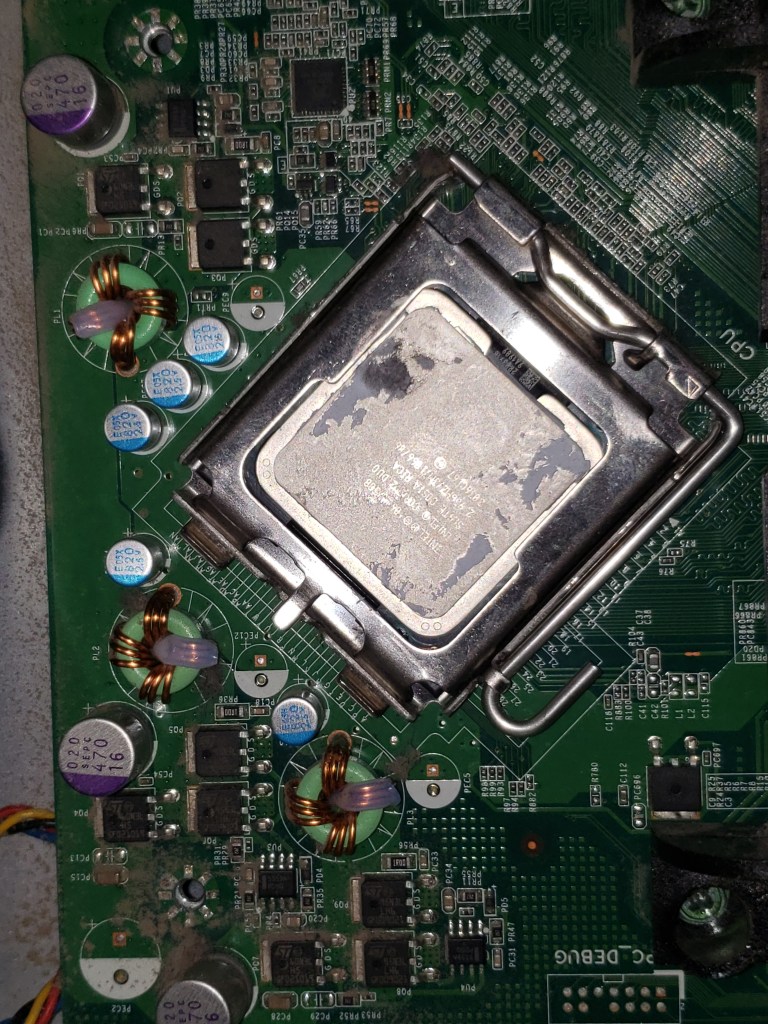
CPU.
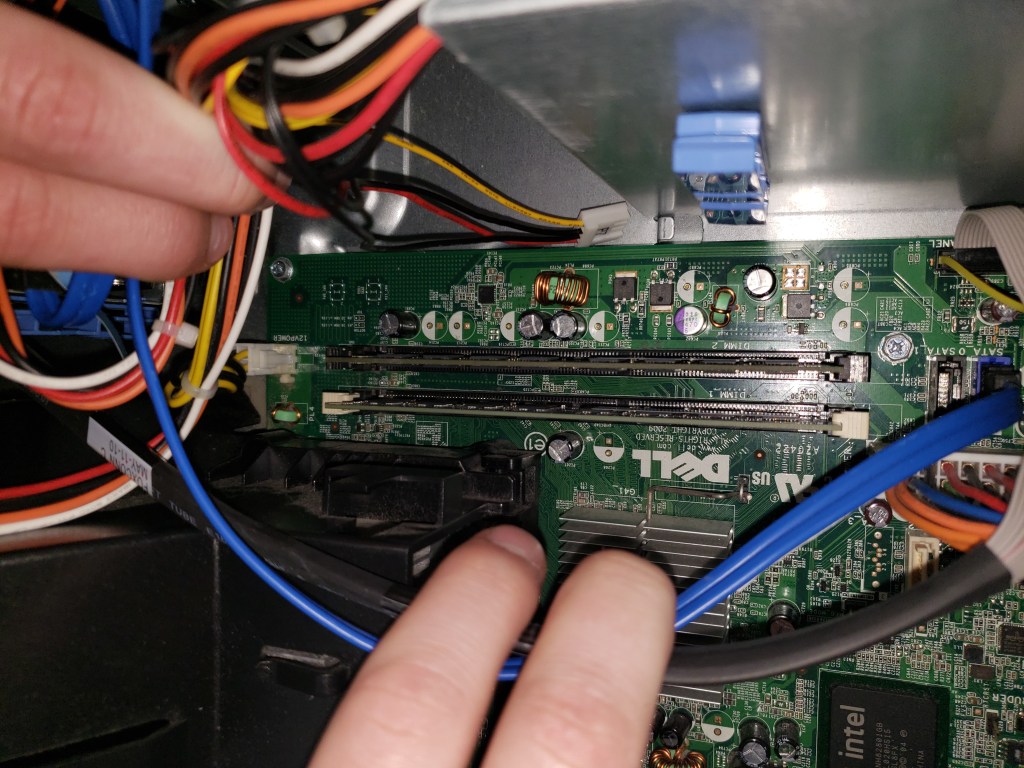
RAM
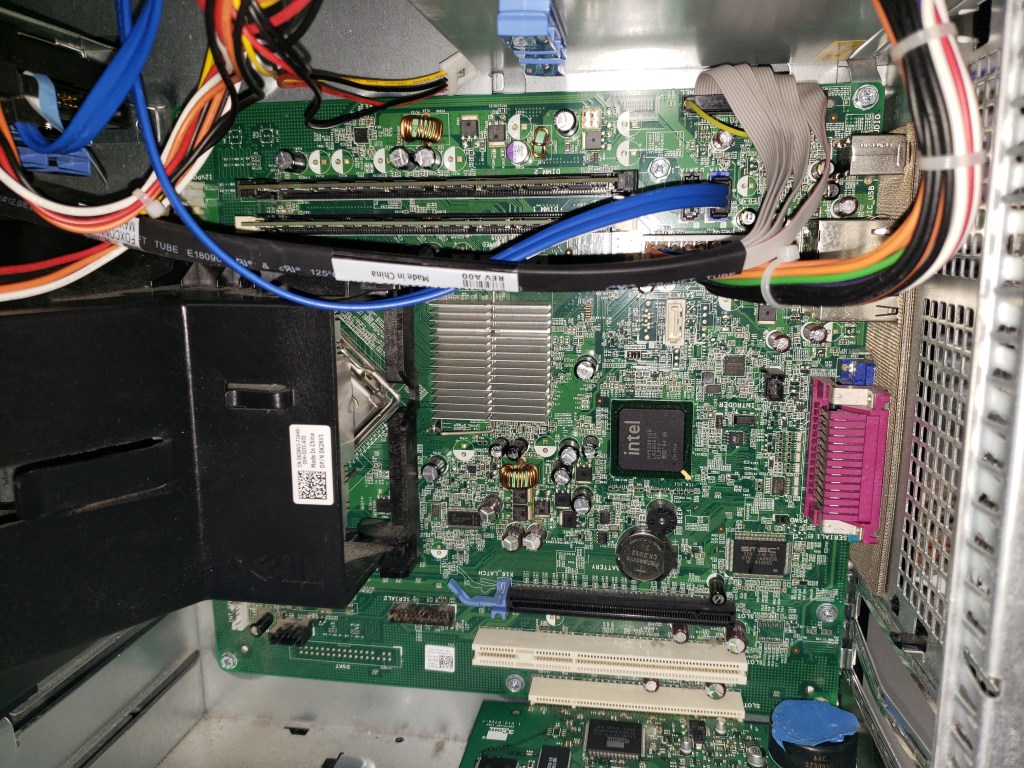
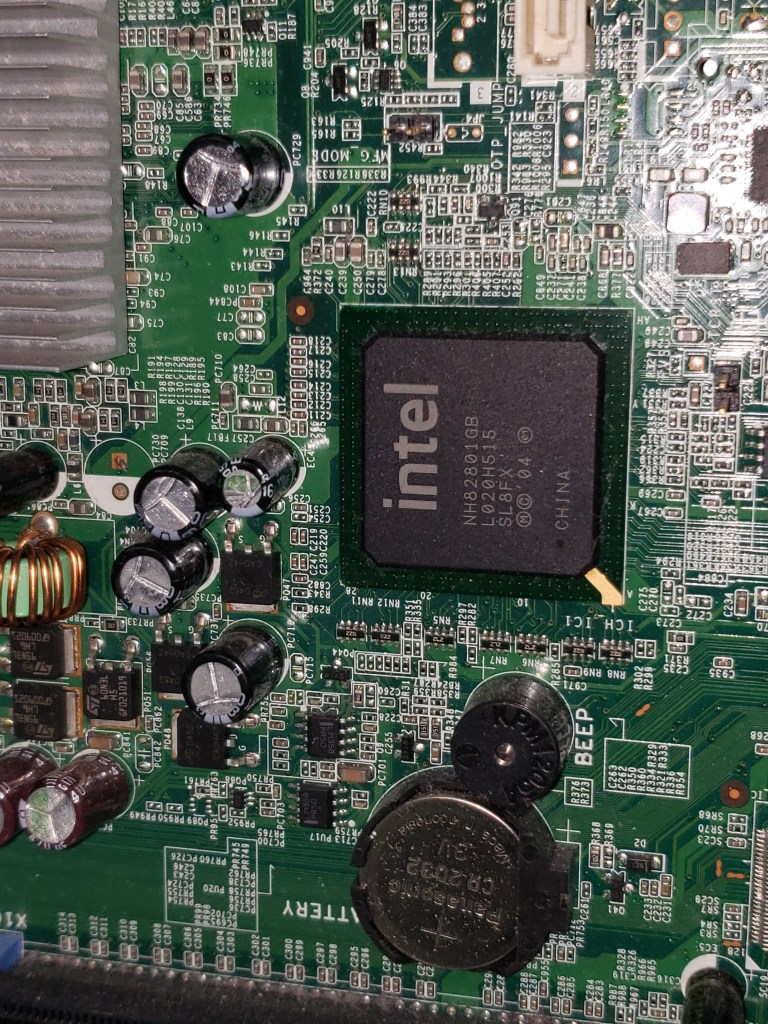
Mother Board
Integrated GPU
HDD
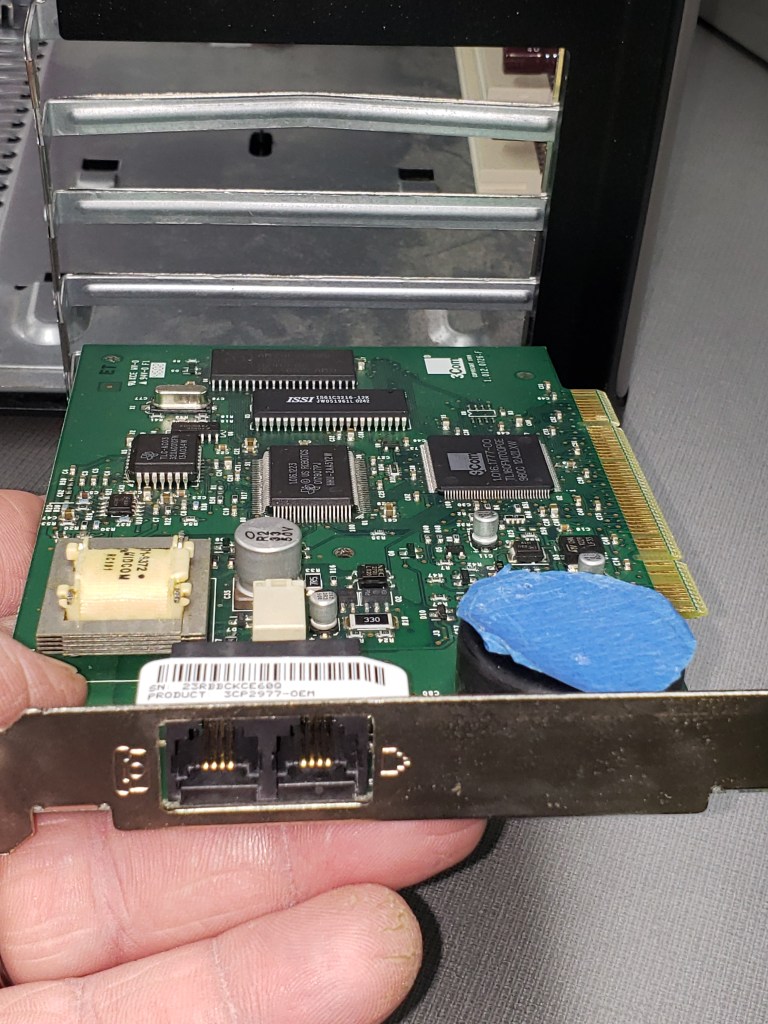
Network Interface
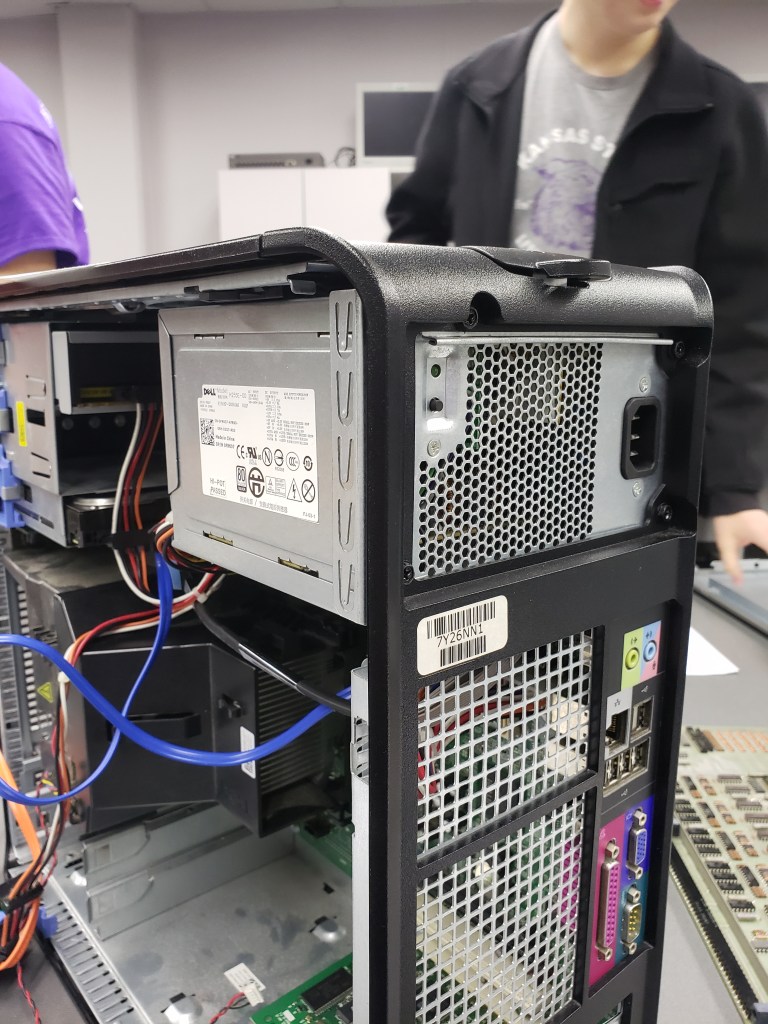
Power Supply
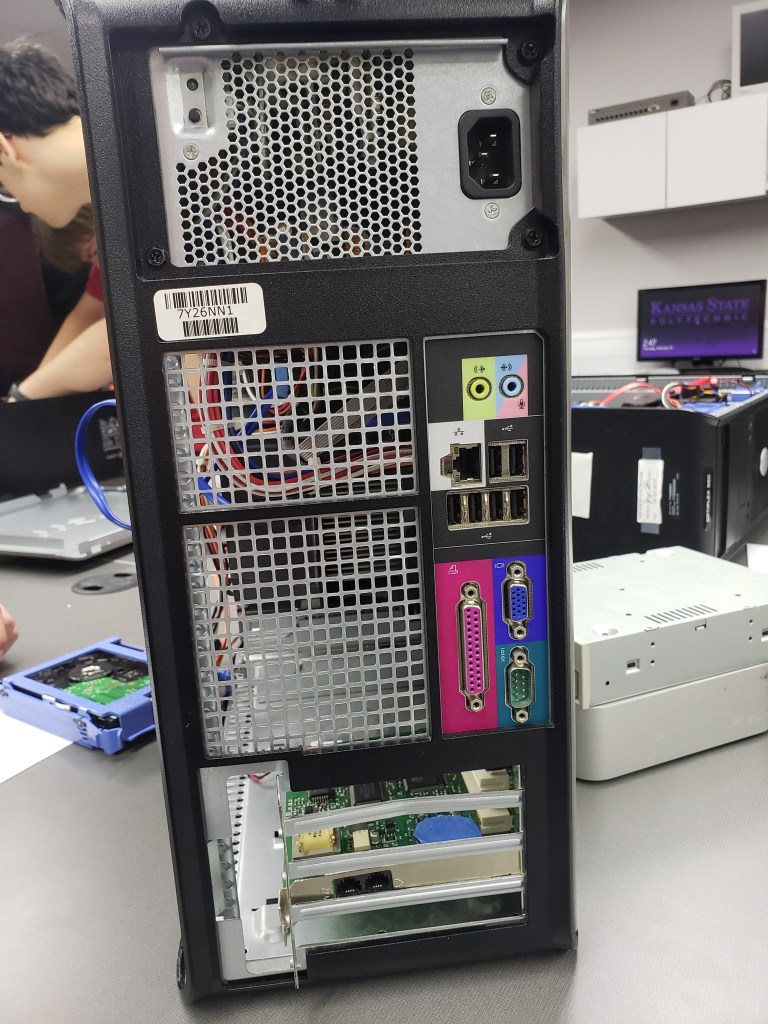
Interface Ports

Question 1: We have 12 ports; usb, microphone, speakers, printer, vga, ethernet, unknown(bottom right corner).

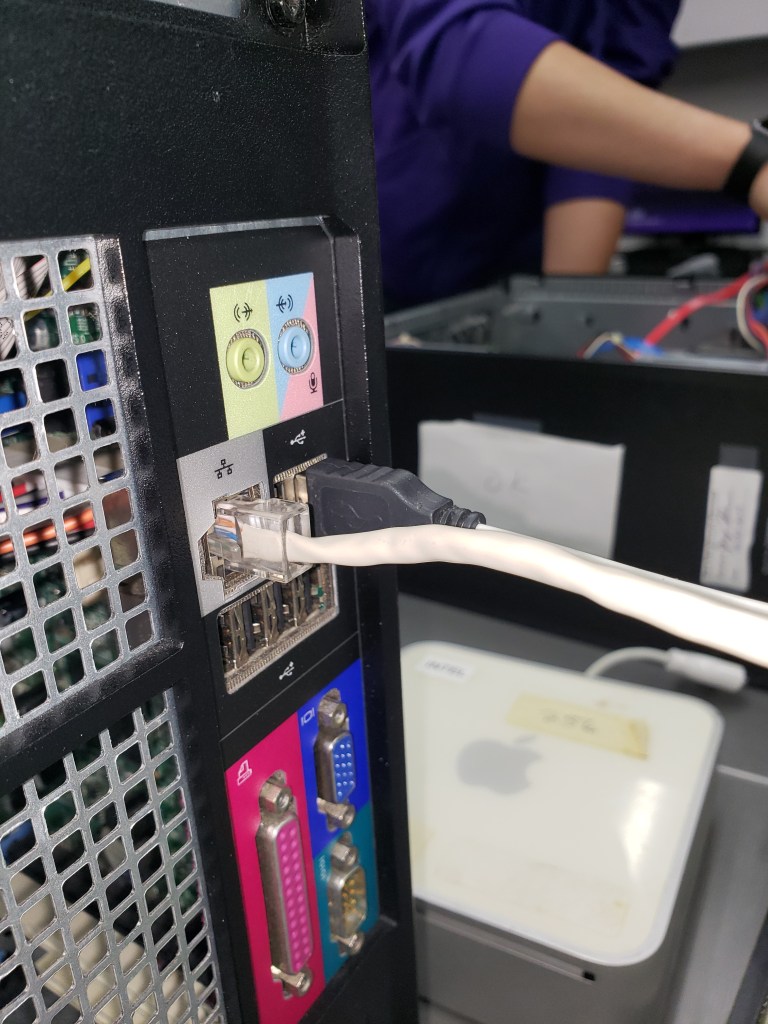
Connected mouse and ethernet
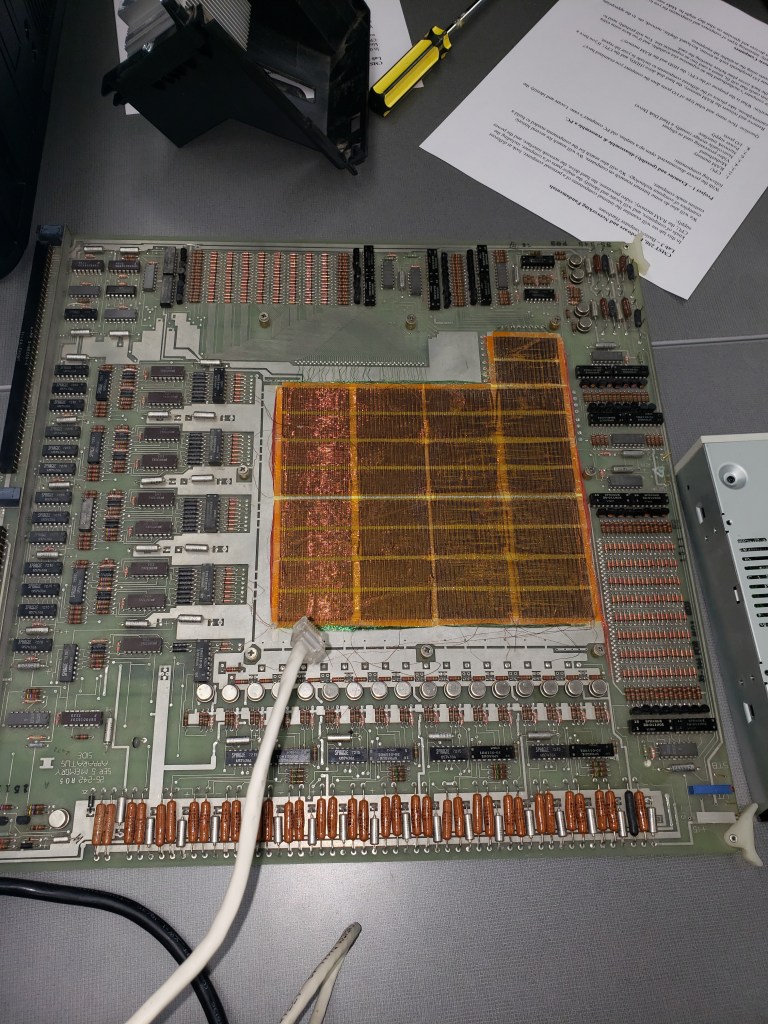
old magnetic memory board

Question 2: a magnetic memory board uses magnetic coils to store electrical signals.

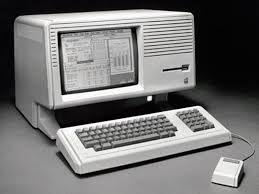
Image result for historical computers
Some Old computers

References: CMST 250, Hardware & Networking lab 3 paper provided by William Genereux.

Conclusion:Our team took apart and rebuilt a computer while identifying the components.

Lab 2- Structured Cabling

Learning Objectives: To learn how to wire a circuit of cat 5 communications cabling, using the B setup.

Equipment List: cat5 cable, circuit board, male/female plugs, strippers, crampers, cutters.

Notes, Observations, and Questions: It was rather easy to remember the configuration of the wires after just a couple builds.

Diagrams, Flowcharts, and Figures:

Image
Wired Board
Image
Female plug wire
Image
Full Circuit
Image
Circuit tests good

References: CMST 250, Hardware & Networking lab 2 paper provided by William Genereux.

Conclusion: Our group was able to succesfully build a full circuit including a board and a male/female conjuction. The circuit test along with individual portions of wire all tested good.

Lab 1 – Make A Website

Learning Objectives: To create a website blog.

Equipment List: Computer and internet including; canvas, wordpress.

Notes, Observations, and Questions: Simply followed the provided steps of creating website by starting the blog, choosing topics, and creating the first post (this one).

Diagrams, Flowcharts, and Figures: N/A
References: CMST 250, Hardware & Networking lab 1 paper provided by William Genereux.

Conclusion: I successfully created my first website along with my first blog post.

Design a site like this with WordPress.com
Get started